

Close the tab or browser
On the web, an unlocked vault can remain available on that device across refreshes and browser restarts. This is what makes Tuck practical for daily capture.Lock Tuck
Locking removes the locally stored unlocked vault key. Your encrypted data remains on the device and in sync, but Tuck needs the passphrase, Recovery Kit, or an allowed device-unlock method before it can read it again.Sign out
Signing out ends the account session and also removes the local unlocked vault key.iPhone and iPad
The native alpha app can use Face ID and Secure Enclave-backed protection to make repeat unlocks faster without storing the raw vault key in UserDefaults.See where you’re signed in
Open Settings → Devices in the web app to see every device signed in to your account. Each one shows its name, when it was last active, and when and how it signed in. The device you’re using is marked This device.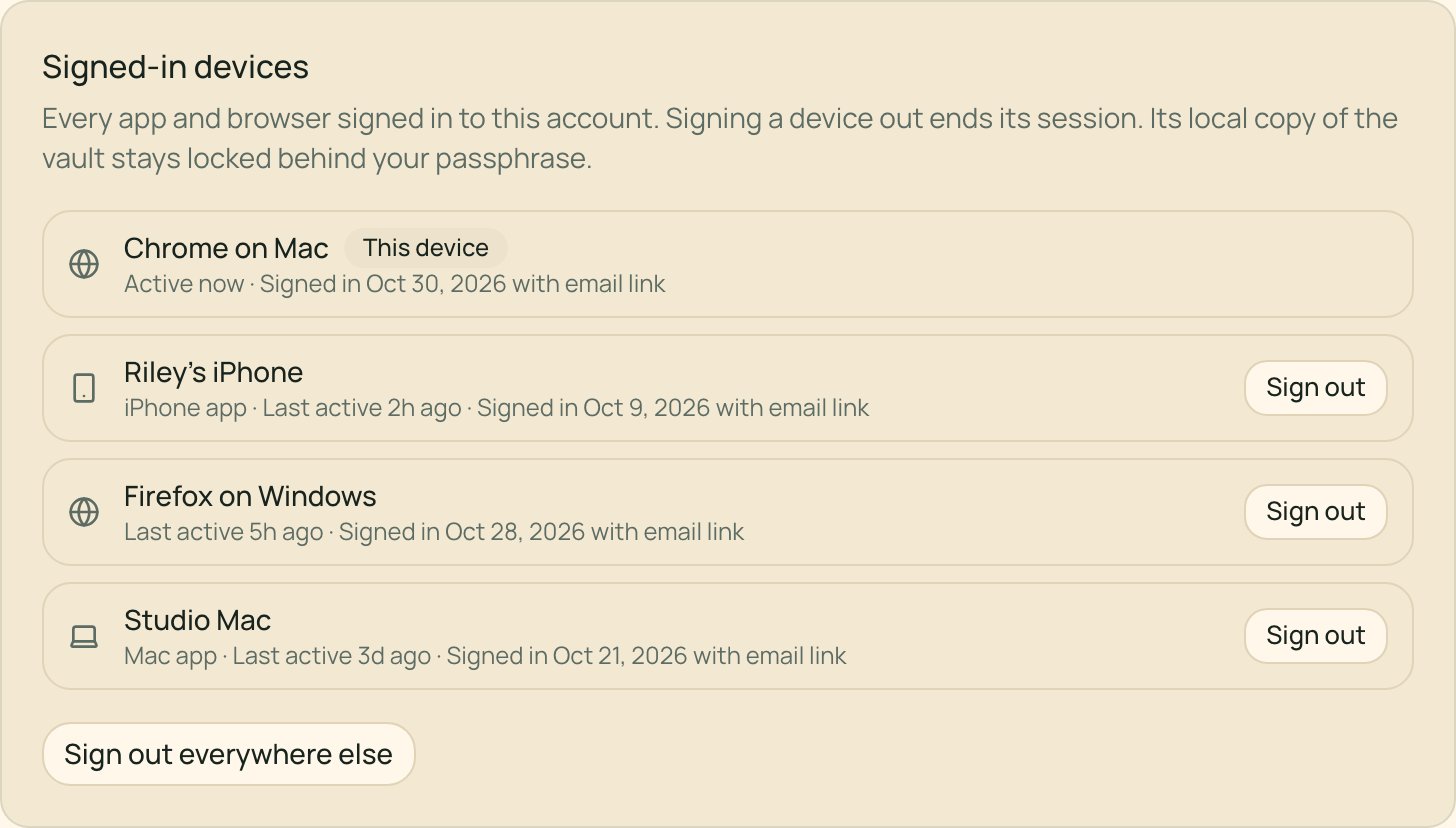
- Choose Sign out beside a device to sign it out.
- Choose Sign out everywhere else to sign out every device except this one.
Delete your account
In Settings → Account, choose Delete account and read the confirmation carefully. Tuck marks the account deleted immediately, stops renewal charges, and schedules active-system data for deletion after 30 days. Those 30 days are not a restore window. A few other things happen right away:- Your share links stop working.
- Email sent to your Send To address and texts from your phone are no longer accepted.
- Anything still waiting in your capture mailbox, including pending reminders, is deleted.