

Choose who can send to your address
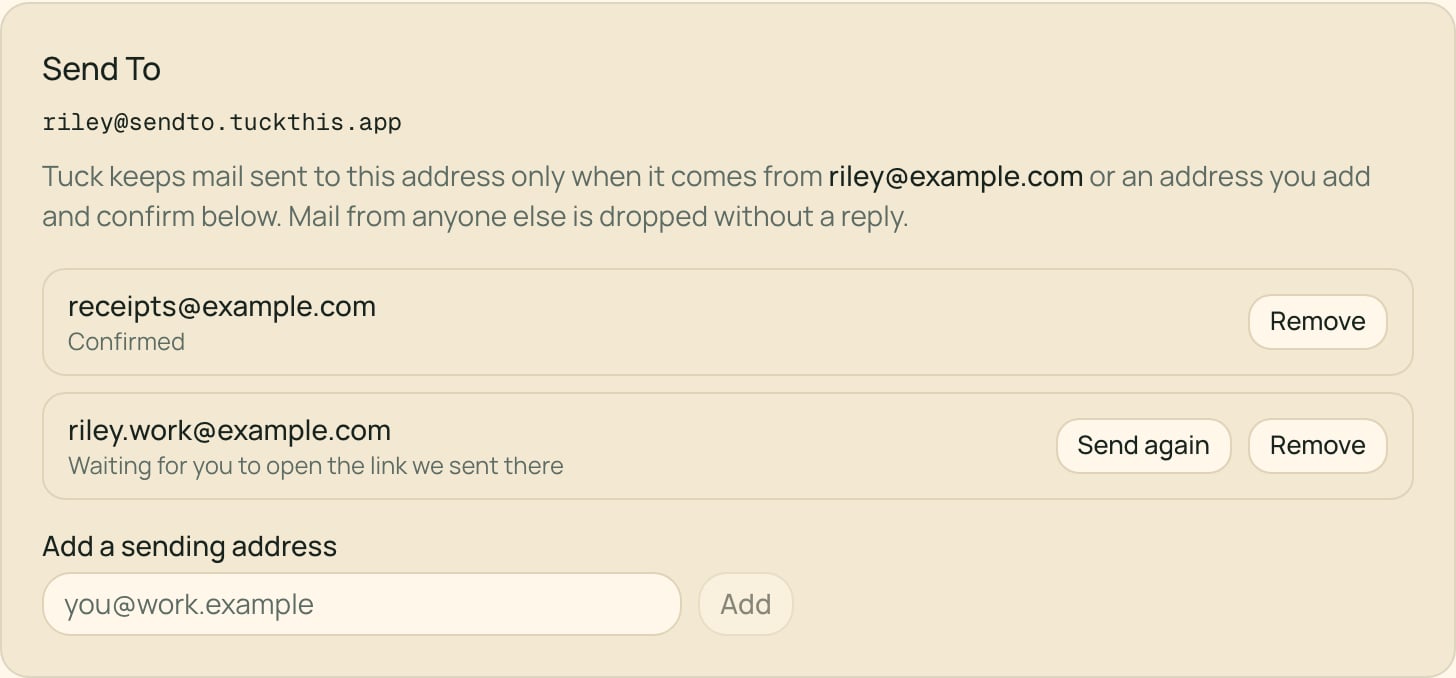
Tuck keeps mail sent from your account email or from an extra address you’ve added and confirmed. Mail from anyone else is dropped, and no reply goes out.- Open Settings → Account and find Send To. Your address and who may send to it are listed there.
- Add another address you send from. You can add up to 5.
- Open the confirmation link Tuck emails to that address. The link works for 24 hours, and you don’t need to be signed in to use it.
Automatic forwarding rules keep the original sender’s address, so that mail is dropped unless the original sender is one of your added addresses. Forwarding a message by hand from your own inbox works.
Good uses for email capture
- Forward a receipt or confirmation you want to remember.
- BCC Tuck on something you want available as context later.
- Send yourself a thought from a device where you are not signed in to Tuck.